

 Video Game Blog
April 29, 2019
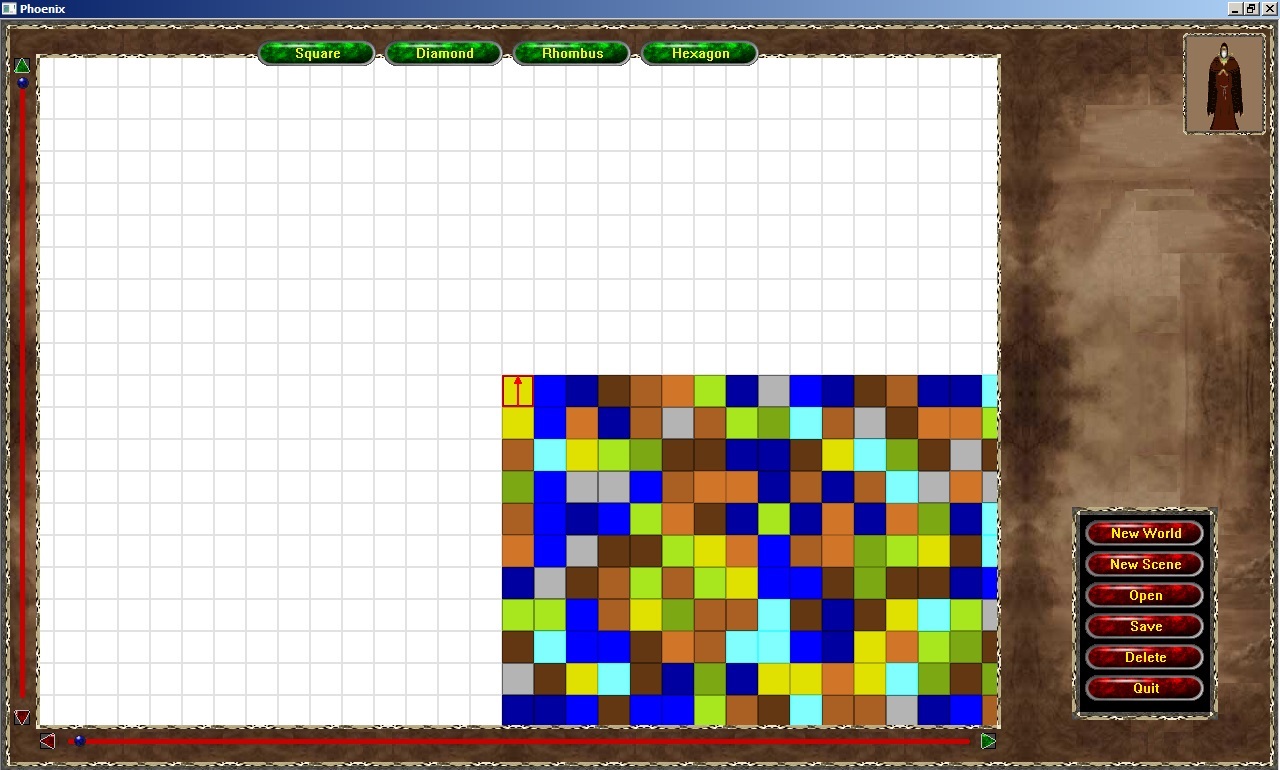
Last night I made some progress on the U.I. for the Game Editor. In the screen shot you can see there's the menu, plus four buttons along the top, and now four more where two are on the left of the map and two below. Between these are bars with a gem on them.
These new additions are to indicate where the current view is centered on the map. The buttons will allow five-point jumps either the indication direction. The gems will slide appropriately to the corresponding percentage on the bar. Also, the User will be able to click on the bar to have the map jump to the nearest value.
I've also been tinkering with the sub-menus, as I mentioned on the previous post there is design considerations that have to be worked out. To make some progress while I work over it I have been adding the visual menu to help me focus.
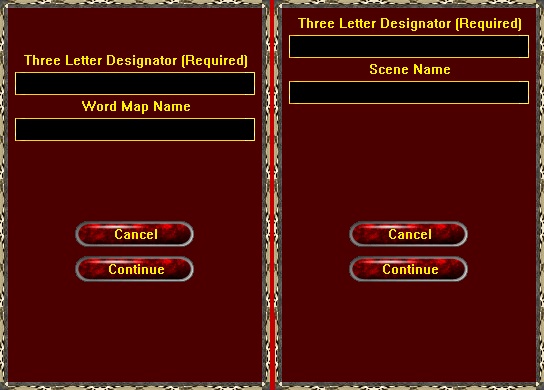
In the following two views, these menus are tied to two of the buttons from the menu - "New World" and "New Scene". The left one is going through refinement to the appearance. The right one has different wording for the prompts to show the User that there is a difference.
I decided to keep the game trimmed down to just an over-all World Map and simple "Scene" maps that will load when the User travels to a particular location. Part of that decision is based upon the idea of simulating the old "module" booklets that had their maps printed on the inside of their covers. Another factor is that the "Square" map will be easiest to implement in the time that I have to finish this project. I'll use simple graphics to represent things from a top-down look.
Once this "beginner" project is finished, I'll look into upgraging the game for authesics later.
