

 Video Game Blog
March 05, 2019
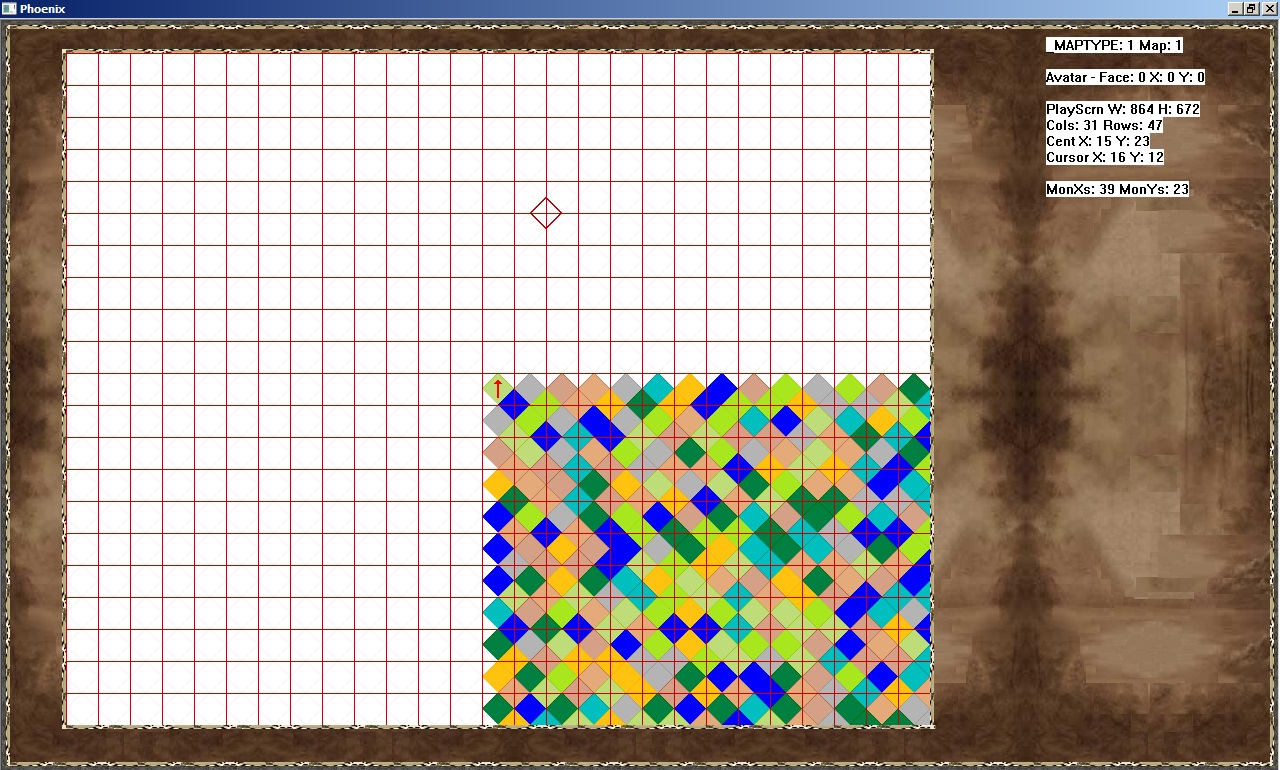
As I convert the old code to the new design, I'm having to totall rewrite some the code that handles placing the Map within the screen so that the Tiles line up at specific points so that I can make measurements from this starting point.
In this screen shot you can see a grid that is overlaying the Play Map. The Tiles line up underneath in a nice clean fashion. I'm not showing the Square Tile version, well, because seeing a grid on a grid is hard to see -wink-. These Tiles on the other hand are Diamond shaped and to make the Cursor land in the proper location, it's necessary to have a well-established alignment of the grid with the projection of the Tiles.
As I move the mouse of this grid, I will find out the base numbers for the x- and y-coordinates. The whole Diamond Tile that fits within each of these grid locations is the "target" Tile. But, I need to test the Mouse location to see where within the individual grid-square it is pointing. By doing so, we'll be able to know if the User meant to be pointing at one of the neighboring Tiles.
Currently, everything is looking pretty spot-on. The Tiles line up, the Arrow representing an Avatar is where it's suppose to be. But...you can see the Cursor floating high center of the screen. My mouse was pointing in at the Arrow, which makes the targeting way off.
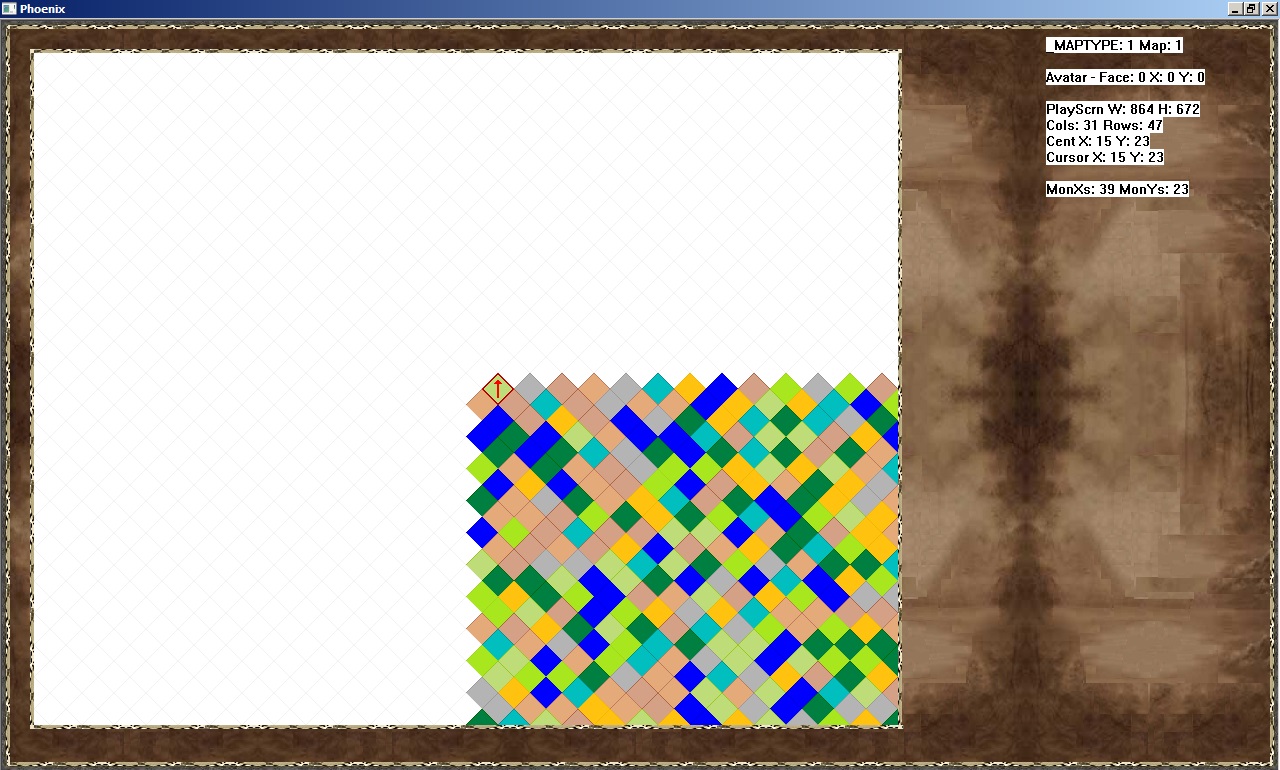
Okay..I've spent a solid eight hours on working on a good deal of the modifications that are needed to make the conversion. Here's another shot of the same map, with everything working as it should. The Rhombus version of the map using all of the same logic, so tomorrow it should be more or less a copy/paste situation.
In testing the various screen sizes...I found an math-bug that I will have to code a situation where I ensure that the Play Map is measured out in uniformed sizes, or somehow account for map data not aligning perfectly with the edge of the Play Window.
Those who are observant will see that the Tile that the arrow is placed on and the surrounding Tiles are not the same setup as the previous screen shot. It's just part of the system and how it will work from now on. Once actual games get built around this, all of those white Tiles will be replaced with game specific graphics.
