
 Video Game Blog
February 21, 2019
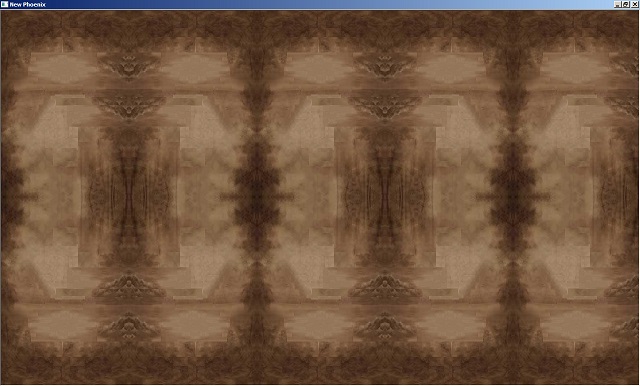
Okay...As you can see, I've plugged in the background skin images properly. Done! Fee-ne'! No more touchie touchie! The code that is in charge of painting the images onto the screen is also self-protecting in case a User decides to resize the original images, or supplies their own pictures.
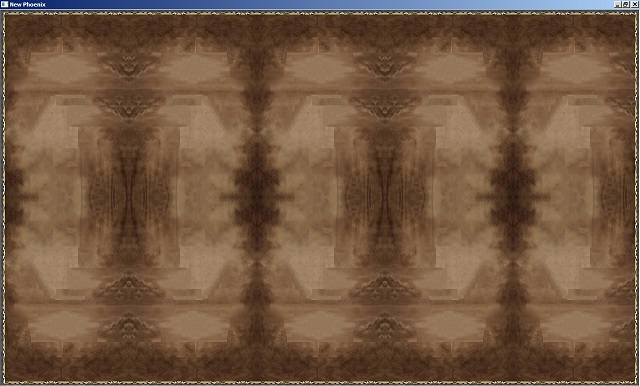
Added the border trim...Found an tiny calculation bug that cause an almost unperceived overlap. Fixed it.
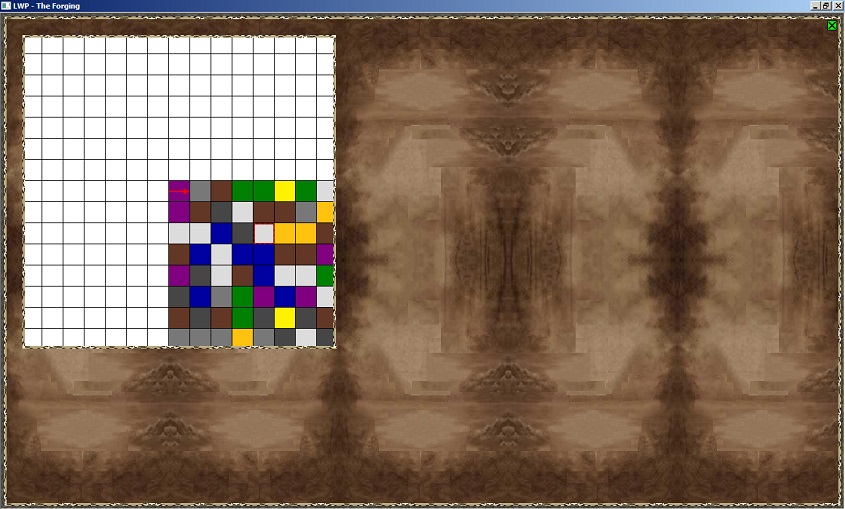
Here I'm using the old code to project the Play Map, and used my new code to add the trim that goes around it. Do not be fooled about the map working as the way it should for the new version. I have to do a lot of math conversions to make it scale like I want to. As it is, the map is stuck in its current width and height.
NOTE: If you can make out the red arrow in the middle of the screen, if I were to use the arrow-keys, I can rotate this left/right. And if I use the up-arrow the map will float under the arrow in whatever direction it is pointing.
