
 Video Game Blog
February 14, 2019
I decided to reformat my blog (as you can see - if you go to see it before the change). In making the change I was reading my previous posts and I remembered a rendering bug that I referred to as a "Ghost Bug".
Since I was working out the bugs from yesterday, I have a sneakin' suspicion that the previous bug was related to the ones that I just fixed. I feel safe in declaring that bug dead!
The next little piece of data confirmation coding is to get the tiles to aligned in the center of the Play Window.
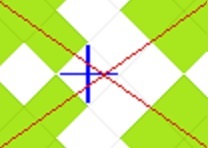
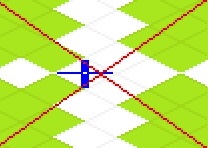
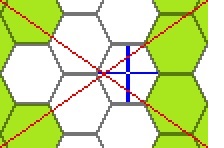
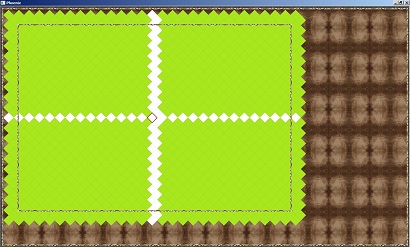
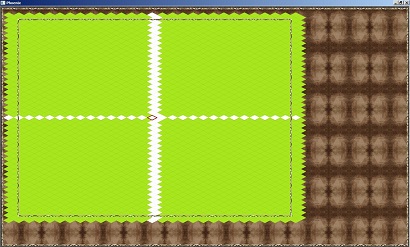
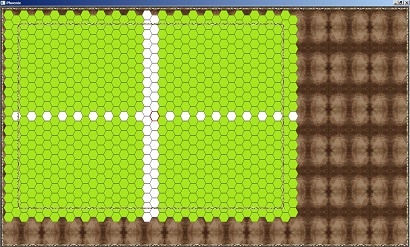
As you can see by these four screen shots, I drew a criss-cross pattern through the Map to show where the Tiles should be lining up (according to the Tile's center).
Again, the easiest Tile set to work with is the Square Tile. They line up properly. This is a good starting point. Unfortunately, the Tiles are also perfectly lined up on the borders of the Play Window.
What's wrong with that? Later, I will need to be able to shift the Tiles during animation to give the illusion of movement. For this to work, there will have to be an extra Tile set outside of (the current) view so that when they slide into view there is no blank parts on the screen. Of course, it won't be too much of a change to implement.
Stepping up to the next screen type, you can see that Square-Iso Tile set isn't perfectly aligned. Vertically the map lined up properly, but the horizontal needs to come over a few pixels. Currently the Tiles start off the map all of the way around the Play Map. I am going to have to add additional Columns and Rows, and then center the whole thing based upon the modifications.
This will require some special math considering that the Engine is sizing the Play Map according to the Player's monitor.
The Rhombus- and Hexagon-Iso are also not aligned. These I will have to treat like the Square-Iso by extending how many Tiles exist off screen. The math will be even more specific as the height and width are not consistent.
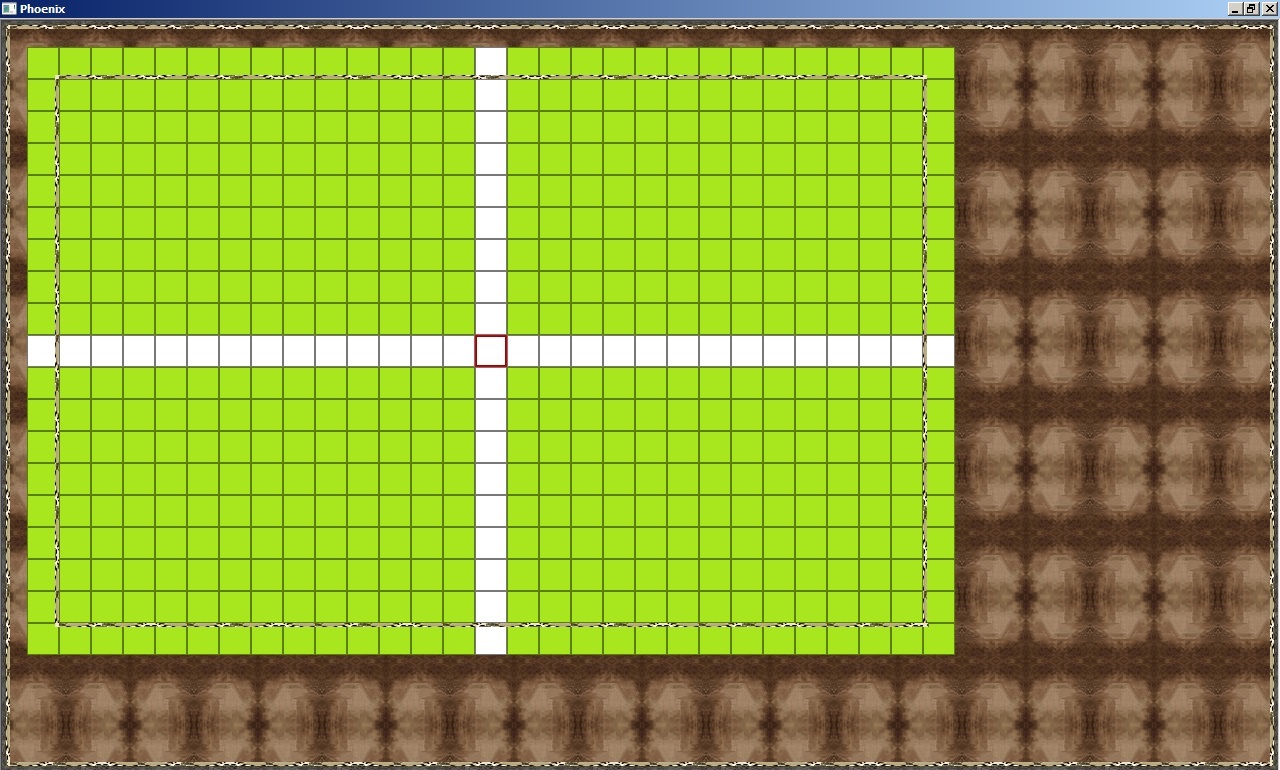
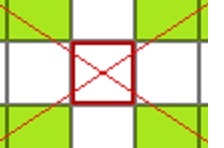
Here in this screen shot (and those to follow), you can see that I've removed the clipping code and extended the Tiles to span around the edges of the Play Window. You can see the red cursor sitting in the middle of the screen. Because I changed how the Tiles lay, this is actually not accurate any more. I had to point my mouse one Tile down, and to the right, to get the cursor to line up. It's just a matter of changing the starting points of where the math aligns.