

 Video Game Blog
February 01, 2019
In the previous month you saw that I had the "square" play screen set up. That of course was an easy task. A slightly more difficult is that of laying out a map that is Isometric. Below you can see the three other maps being rendered on the screen (ignore the jagged edges for now, I'll get to that...).
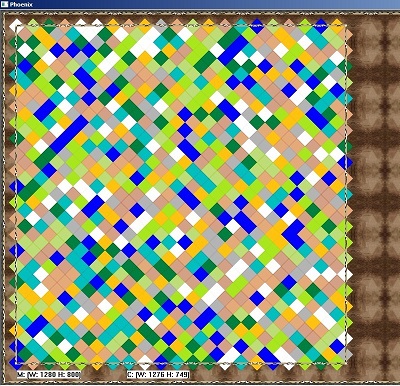
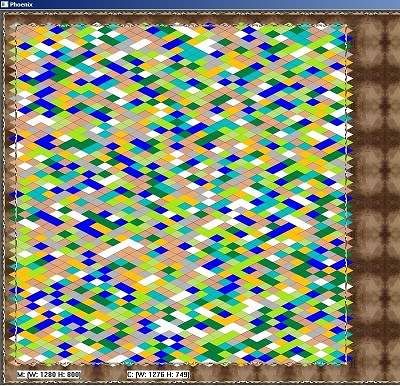
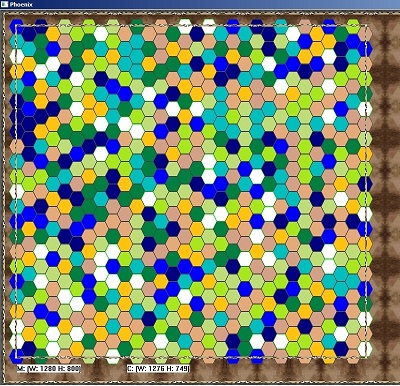
This took a little time to get to this point because I wanted to set up a predictable pattern of "place the x-tile, shift the y-tile to the bottom right". With the square- and rhombus-isometric maps, that was pretty easy when the math to achieve this was not difficult as the tiles have consistent widths and heights. With hexagons though, not only do you have the tile's width and height to consider, but you also have to look at the separation of to allow enough room for the offset tiles to fit comfortably.
As you can see, each map mode works properly now. The next thinng to address is clipping of the jagged edges that extend beyond the borders. This entails checking to see if the start/end points of each Tile in its placement is greater than, or less than the values represented by the borders. Then we only paint as much of what is needed to fill the assigned position.
