

 Video Game Blog
January 28, 2019
Someone asked if I had a blog so they could watch my progress. I had given some thought about starting a blog for this very reason. First though, I had to take care of some stuff in life before I got serious about working on a project. I finally did get myself into a rhythm where I can dedicate a set number of hours per day to the project. So, here we are...
In restarting this project, I am drawing on a lot of old code that I have not looked at in quite literally 'years'. Reason for this was that I went back to school to work on my Bachelors so that I could have that nifty piece of paper to hang on my wall, that so many employers want to see. Now that I am done with that I unfortunately can't get a position because I only have three months of Intern work showing professional expereince...can't get a job without 1+ years in this area of the country unless it's during the summer and the big companies are offering Interships. And with all of the recent grads coming out of the woodwork, the competition is fierce.
Well...on to the blog...
Let me start off with making a declaration that, I plan on working on this project for a minimum of nine months. As this is the last couple days of January, I will not count it in this total. As the blog progresses, I will declare how many months remain on the last entry of each month.
As I like to give complete explanations to everything, I feel I should reverse highlight what I've done in the last few days to get you all up to speed on the necessary work that needs to go into this project.
The first hurdle is taking old engine code that was designed for one game (and one game only), and convert it into generic engine code that I can use as 'modules' for future projects. This involves taking the cool code and making it independent of all other code and then make it interact with one another through the engine.
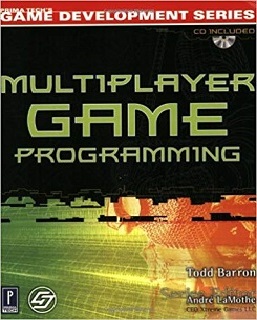
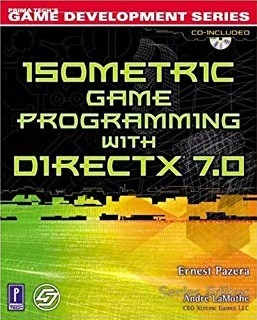
Item number one on that list was the basic Window® window. Simple enough, yes. It was already pretty generic as I took the advice of Andre Lamothe, an aurthor of one of my favorite game programming books, plus who was editor for other books that aspired to provide excellent lessons. Of these books that I learned the most from were "Multiplayer Game Programming", by Todd Barron and "Isometric Game Programming with DIRECTX 7.0", by Ernest Pazera. With those two books and "Sam's Teach Yourself Game Programming in 24 Hours", by Michael Morrison, I had a pretty solid set of books to learn from.
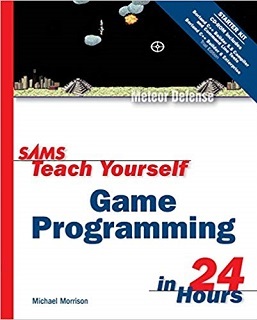
Michael Morrison's book lays out a really simple game engine without any need any complicated code. As this is an older book that used a different type of bitmap, I had to update the code involving color and format. Otherwise, this book is great for getting a new programmer up to a level to create simple stand alone games.
Todd Barron's book taught all of the fundamentals of Multiplayer games. There was one problem with the book though. Something got messed up with the printing and half of one of the chapters did not get ink on paper... This loss of information caused me a lot issues because the chapter appeared to close and migrate into the next chapter without anything missing. That lost information caused me to get hung up for a long time - until I went on to their website and found they had the complete chapter in PDF format to download. I found what I needed! And Ernest Pazera's book seems to be (at the time), the only book that taught something other than 3D visualization. I got lucky in finding this book. I found it at a used book store sitting in a clearance rack. I ended up getting it for $7.00 !!
From these books I was able to use the code that did not require the use of DIRECTX® or took control of the drivers in any way. I took many of the concepts to get things to work in certain ways and modified them so that they would allow for what I needed. For instance, in the Isometric book, when they painted hexagons onto the screen, the points were aligned on the top and bottom. I needed my hexagons to lay on a flat side to match most strategic board games.
So...
Now that you know what I'm about, and where I learned from, you'll see I'm not
just jumping into a big project without preparing myself. I know this is going
to be huge...and well, I'm the kind of person who uses his OCD to get it done!
I'll now talk about my project...
Okay! Game on!
One of the reconstruction strategies for my game engine was to create a User
Interface (U.I.) that adapts to different sized monitors without distorting the
graphics. I didn't want to stretch (or shrink) graphics to fit the dimensions of
the screen. I want my images to maintain their integrity on screen. To do this,
I'm detecting screen resolution and dividing the values to find which values to
work with and the associated images designed for the resoultion. This was all
prompted by one of my testers who bought a larger monitor back in the day and
the U.I. shrunk accordingly.
 Here you'll see a foundation Window that is so generic, it works everywhere...
No concerns about it working properly...
Here you'll see a foundation Window that is so generic, it works everywhere...
No concerns about it working properly...
If you notice, the title in the bar says 'Phoenix'. This is simply a working
name and represents that I'm digging up the ashes of all of my previous code to
create it into something new.
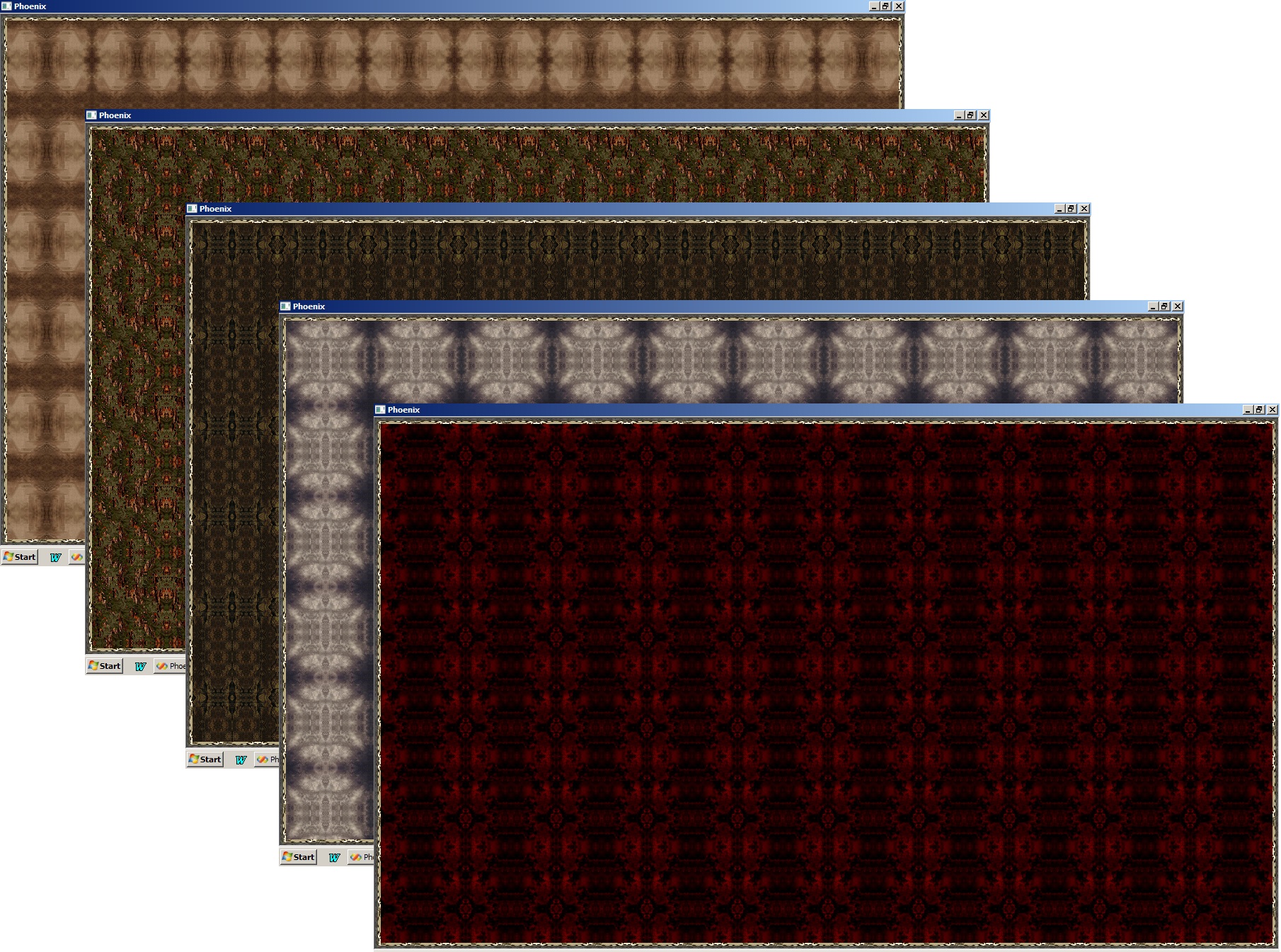
The next part was to create a background that would fill the screen so that there wasn't any pixels left unpainted...looking unprofessional. Also, I wanted the background to be customizable so that users would have a choice to the screen's appearance. Granted, most of this open field will be covered in a play map, buttons, etc, so the background won't be that obvious. But it's just one of those bells and whistles that people will notice later.
Here's a series of layouts showing the various backgrounds currently used...
Currently, I'm working on the play window. The window will allow me to show one of four different types of map layouts. Here, the first one is almost complete, which I refer to as "Square Chess Board". It's the simplist of the different types, therefor the first to build upon. Pardon the multi-colored pattern, as I generated random map data show me different Tiles to see if they were painting onto the screen properly.
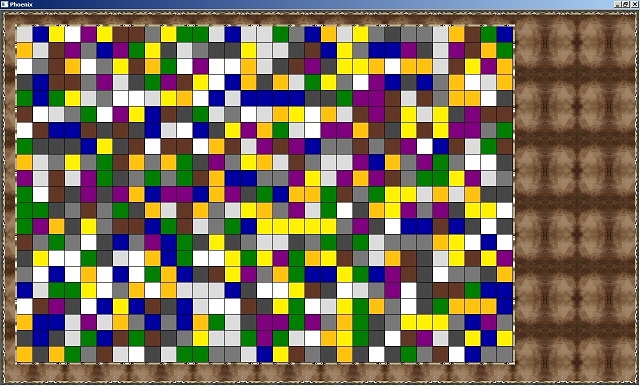
Just to showcase how flexible and independent the play window is, here's another screen show where I modified the dimensions.
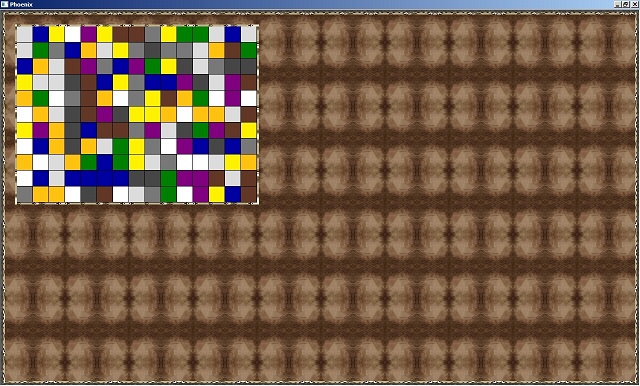
...and, this is where I am at currently. I'm working on the other three types of map layouts: Square-Isometric (chess board tiles roated onto the points), Isometric (Rhombus tiles), and Hexa-Isometric (Hexagon tiles). As I get them each perfected, I'll post a screen shot to show them off.
